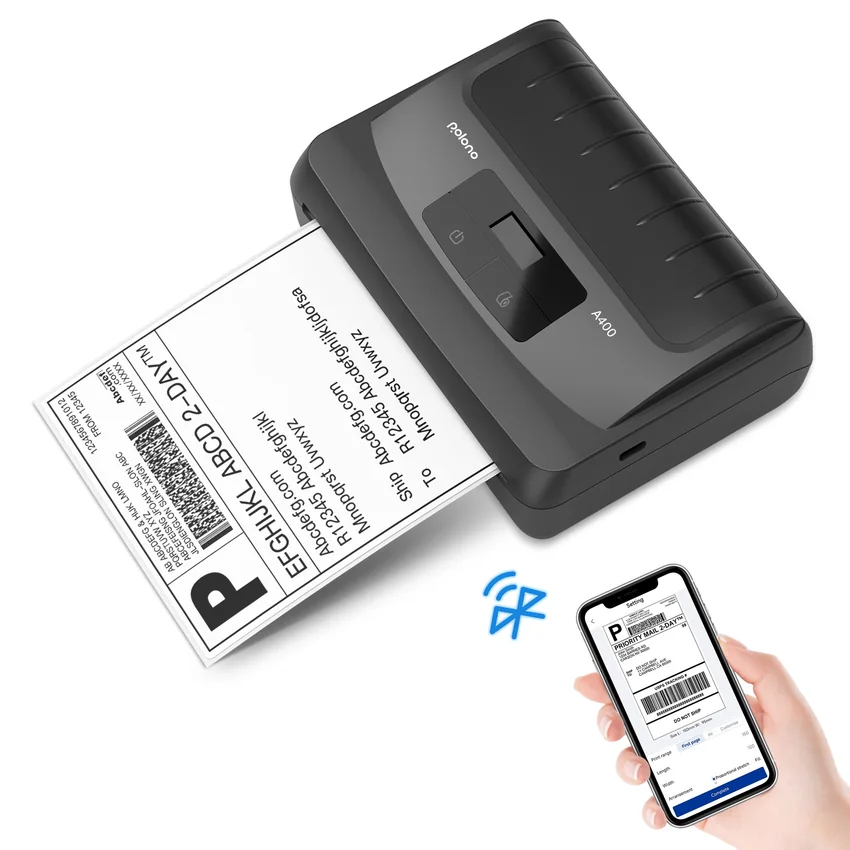
POLONO
POLONO A400
A compact choice for occasional parcel shipments and small packing tables.
- Label format4 × 6 in
- Label feedInternal roll compartment
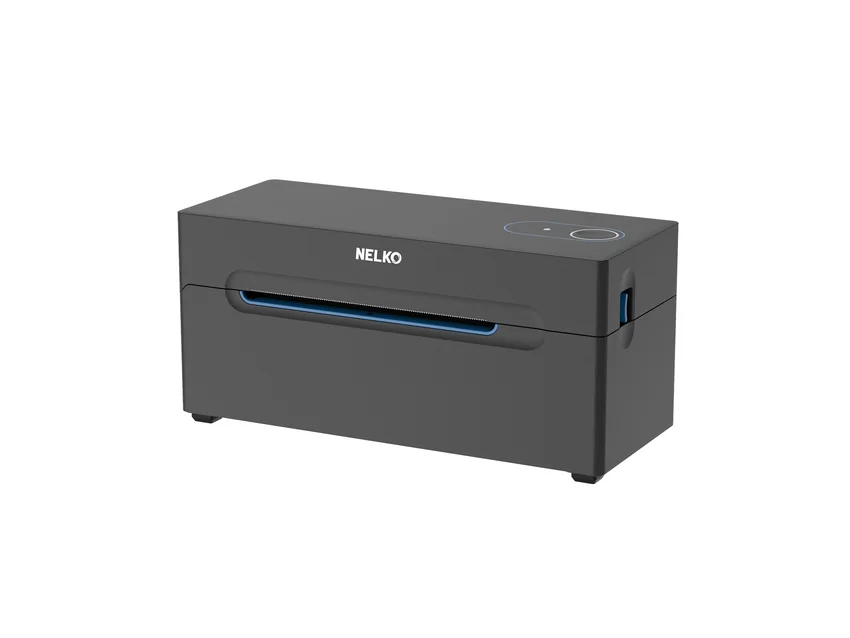
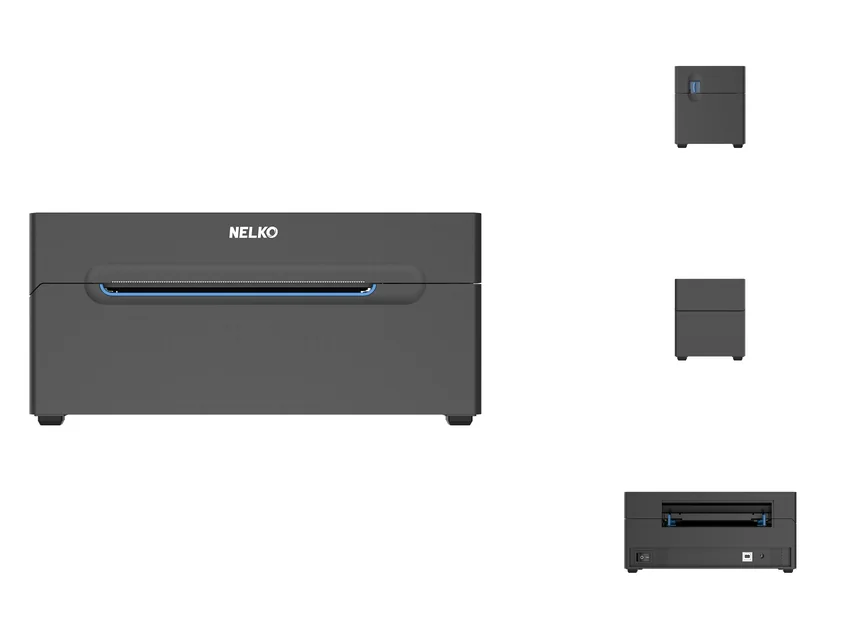
The PL70E prints 4 × 6 shipping labels and smaller direct thermal stock from a desktop setup. It suits a packing station where you may switch between rolls and fanfold labels. Use the supported mobile app for phone printing and check the manufacturer’s driver instructions before connecting a desktop or laptop.
The PL70E is a practical shortlist option if you want to change between compatible rolls and fanfold labels without changing printers.
Leave room for the stock and cable connections at the back of the desk. Mac users should follow the USB driver instructions.
For the first print, set the page dimensions to match your label and check that the barcode is fully visible.
A compact choice for occasional parcel shipments and small packing tables.
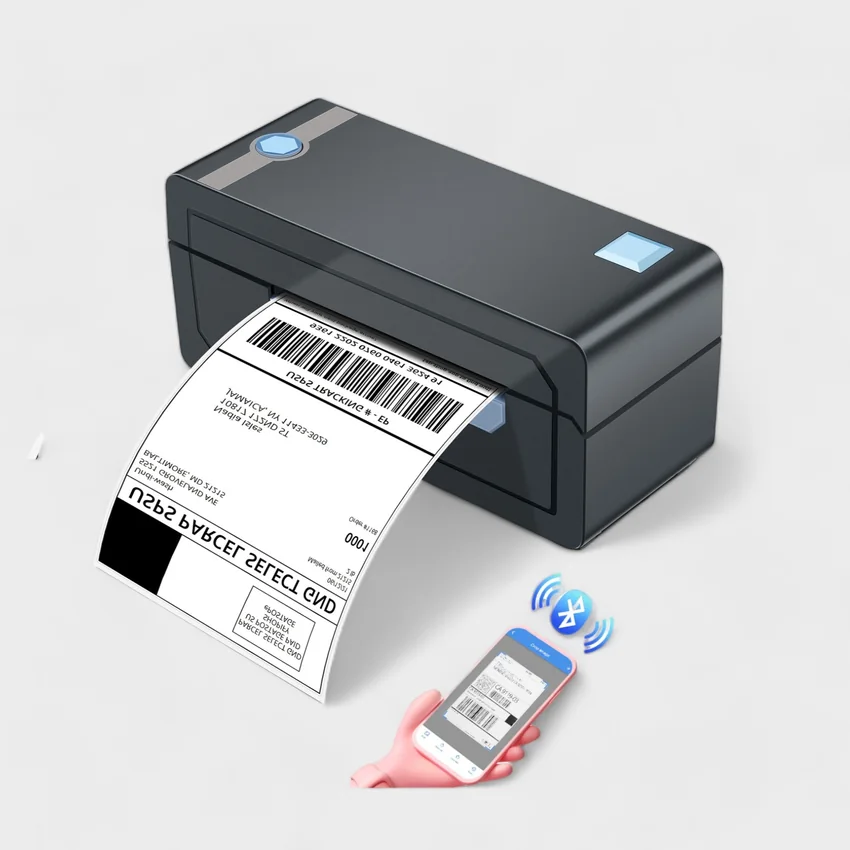
A small-business shipping-label printer with phone and desktop setup options.
Yes. Follow Nelko’s current USB and driver instructions for the PL70E. The phone’s Bluetooth app flow differs from the Mac setup.