Nelko
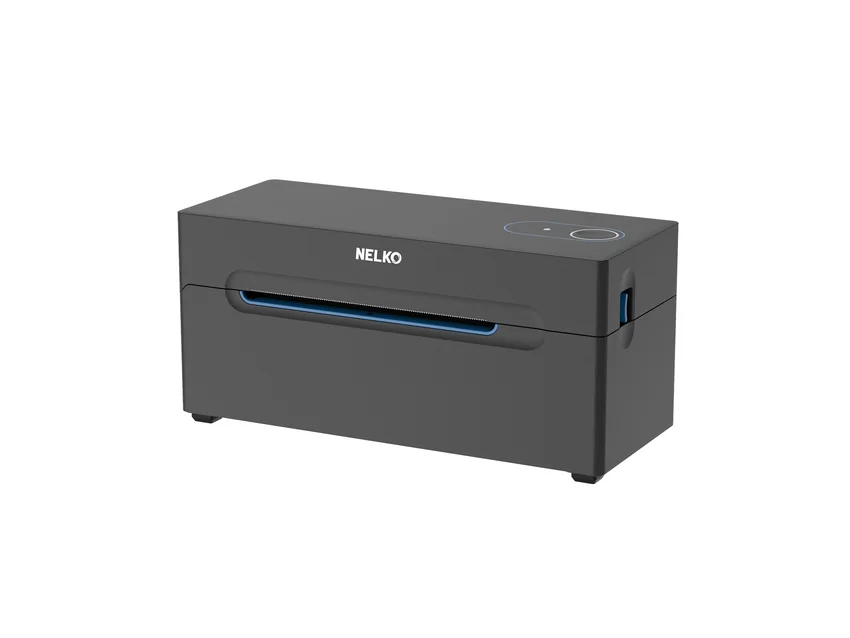
Nelko PL70E
A desktop printer for sellers who want to use either rolls or fanfold labels.
- Label format4 × 6 in
- Label feedRoll or fanfold feed
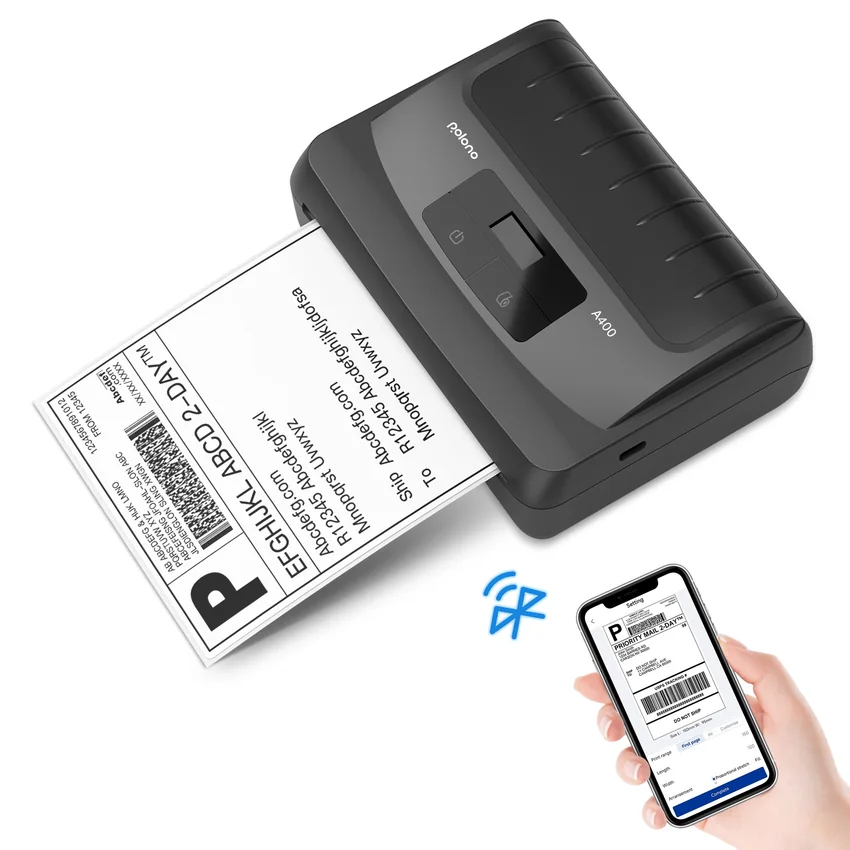
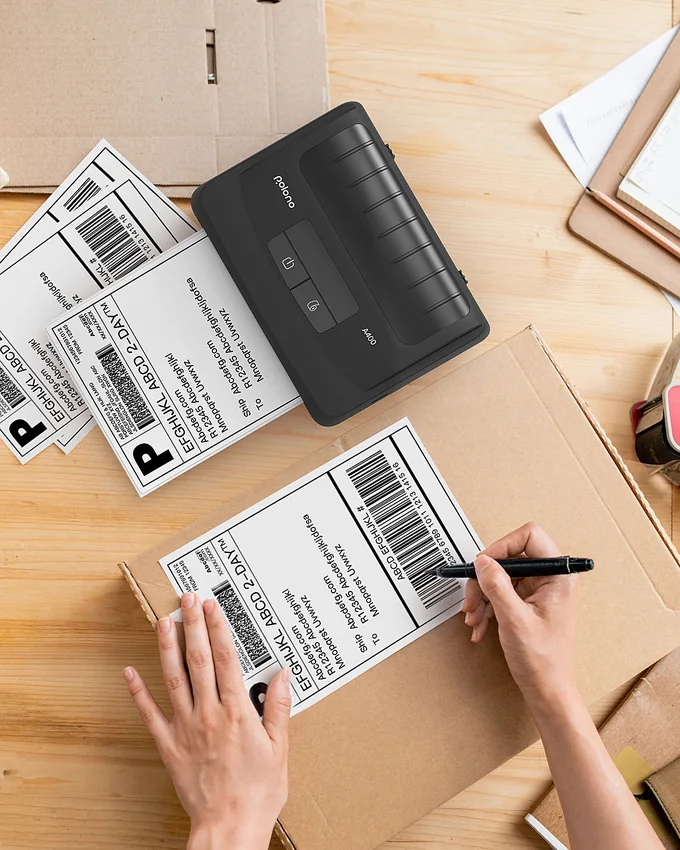
The A400 suits a compact packing station that uses a small roll of 4 × 6 direct thermal labels. Its internal compartment keeps the stock close to the printer. A phone can send labels through the supported app, while the Mac setup uses a USB cable and the manufacturer’s driver instructions.
Choose the A400 if the compact roll compartment fits the stock you intend to keep at the desk. Check roll size and choose the connection before buying refills.
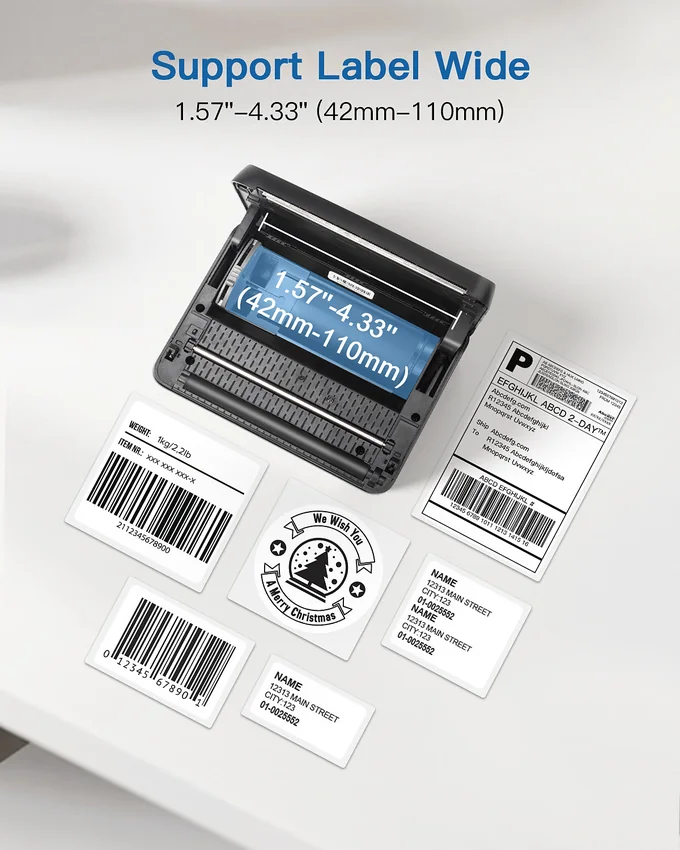
The internal compartment requires a roll that fits its dimensions. If you use a large external roll or primarily work with fanfold stacks, compare the PL70E’s stock options.
For the first print, set the page dimensions to match your label and check that the barcode is fully visible.
A desktop printer for sellers who want to use either rolls or fanfold labels.
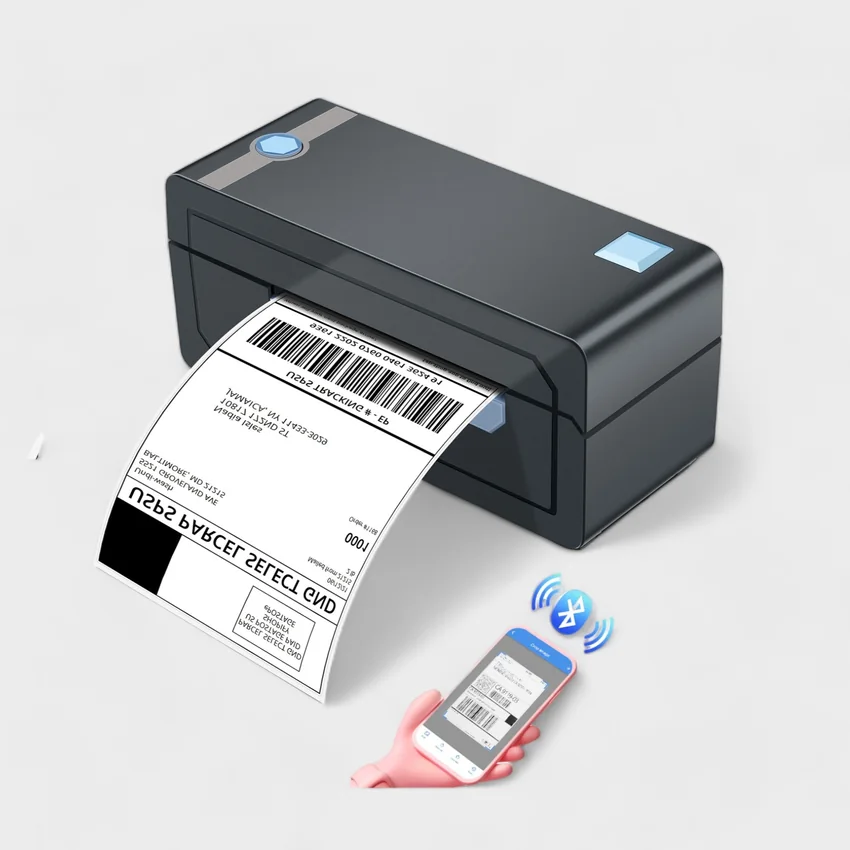
A small-business shipping-label printer with phone and desktop setup options.
The A400 has an internal roll compartment for compatible rolls. Check the roll dimensions before ordering refills, especially if you already use a large external roll.